Rota Scheduling

We understand that creating effective rota schedules can be one of the most challenging parts of running a successful domiciliary care company. That is why the DCME console is packed with features to make the rostering process simple, efficient and user friendly.

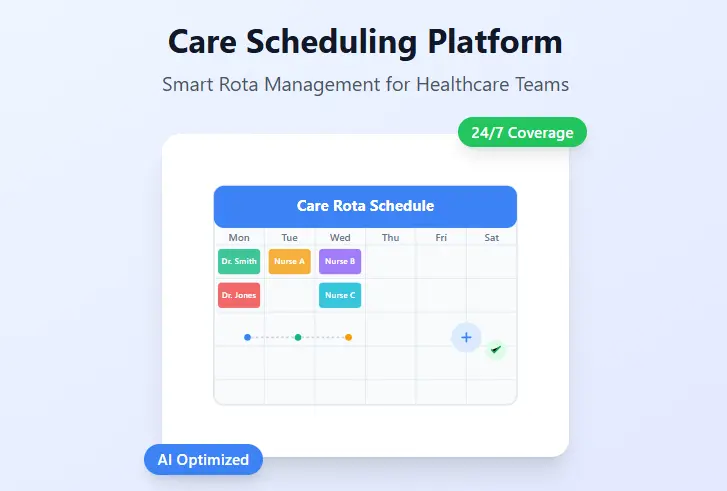
Core features include

A User-Friendly Interface

  • Easy for managers and staff to navigate.
  • Intuitive calendar-style views.
  • Mobile-friendly for on-the-go access.
  • Advanced Cloning Capabilities

  • Ability to clone a staff member's entire week and apply it to a different week for the same staff member or a different staff member.
  • Multiple day cloning that allows the users to apply a full day or part of a day to a different staff member or the same staff member on a different date.
  • Appointment Assignment

  • Assign multiple appointments to a staff member with just a few clicks.
  • Unassign appointments in just one click.
  • Leave and Absence Management

  • Integrate holidays, sickness, and other absences.
  • Notifications when attempting to assign staff to appointments outside of their normal working hours.
  • Service User Schedules

  • Create recurring appointments whether that be on a daily, weekly or monthly basis.
  • Simple one off appointment creation process.
  • Full Visibility

  • View staff and service user rotas on one screen make everything easy to view.
  • Download and export both service user and staff rota.
  • Error Checking

  • Ensure no appointments are left unassigned with the built in unassigned appointments view.
  • Avoid errors or appointment overlaps with the error checking functions.